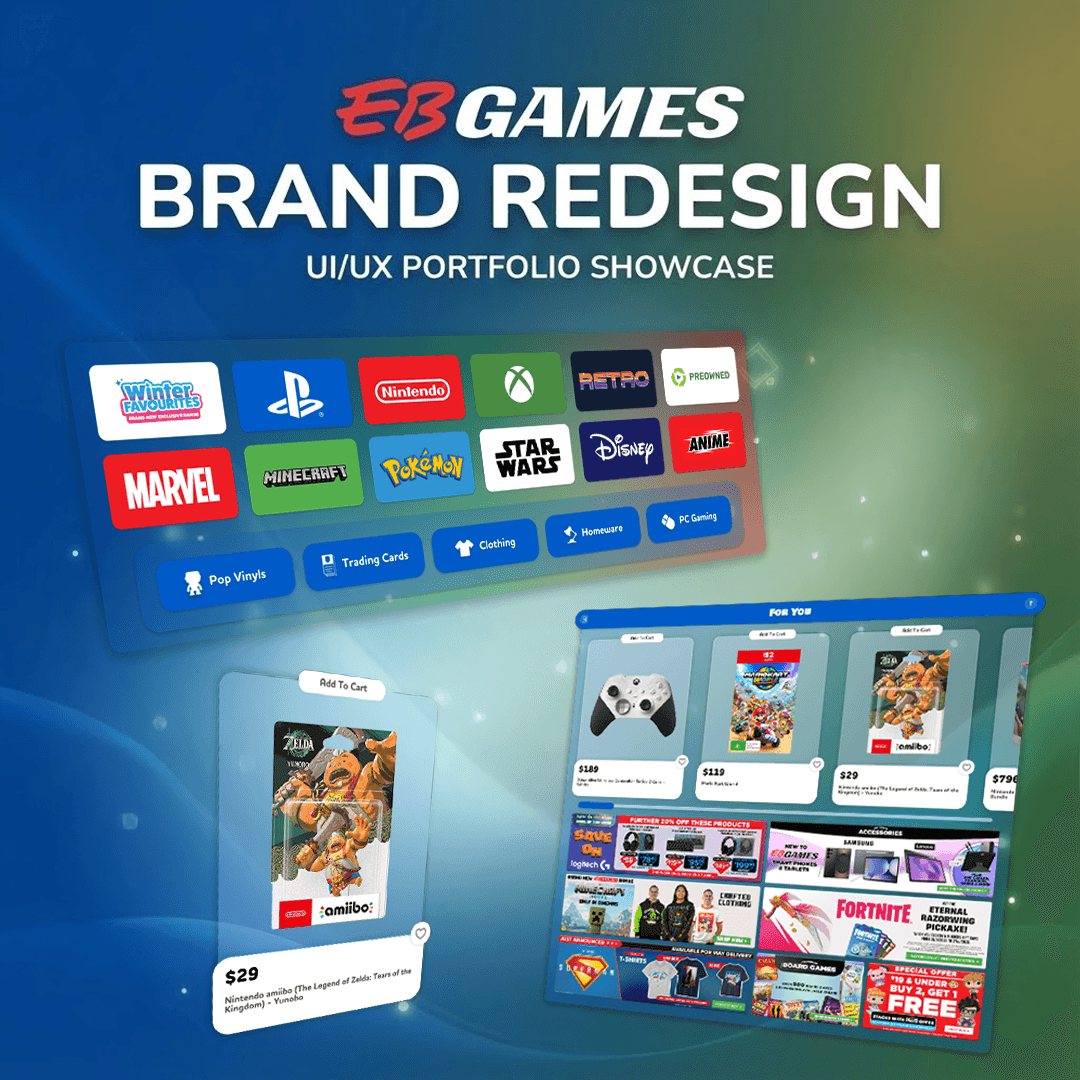
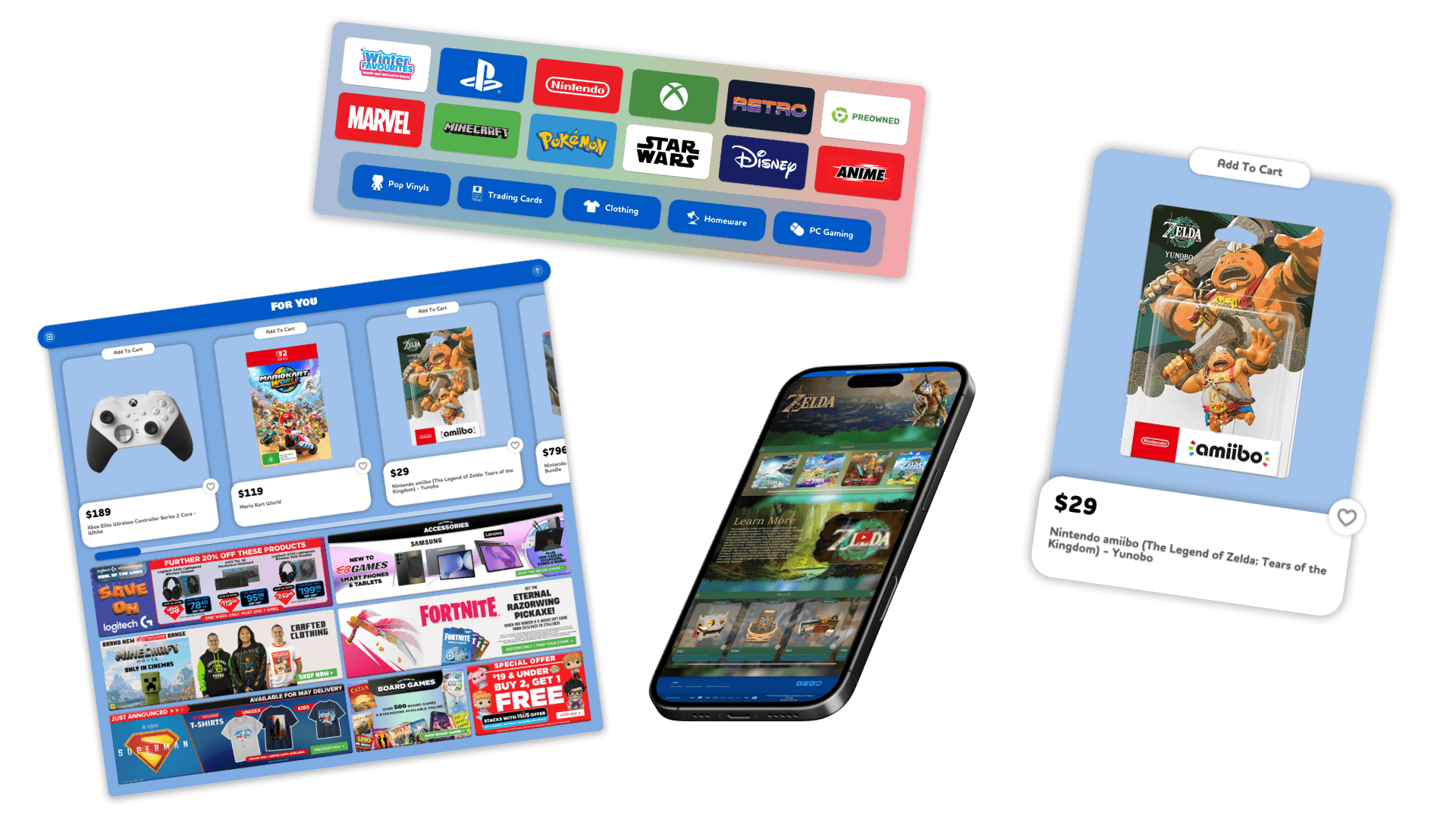
A EB Games website UX redesign. This project streamlined the user experience using Don Norman's principles and introduced a comprehensive gamification system, including Pixels, Levels, and collectible Zeebers. User testing confirmed significant improvements in navigation, UI consistency, and overall usability for the target audience.



Documentation
Overview
This portfolio piece was a part of an assessment for my Bachelor of Game Art & Animation. My requirements were to redesign an existing website, and evaluate its UX and UI principles, along with implementing gamification mechanics, conducting user tests, and creating a wireframe of my redesign.
Analysing the existing EB Games Website
After conducting several user tests, I have come to the confusion that the following elements are common issues found within the UI/UX of the website:
Overall visual clutter
Inconsistant branding
Ineffective use of white space
Lack of visual induction between elements
Disregarding common UX choices
Mock-Up Wireframe
Once all primary UX issues were identified, I compiled a document detailing how each issue could be fixed, and why these changes would resolve the issue. Using this document, I started to block out the redesign with Figma. All elements were made in a modular way, using things such as instancing, and implementing prototype functionality, allowing me to test my rough redesign.
Similar to the existing website, I recruited test subjects to conduct a critical analysis of my wireframe. Whilst this was underway, I recorded elements such as how long it took to complete tasks, and visual indicators of emotion. The feedback and test results allowed me to identify key areas that my redesign needed to be improved upon.
Final Redesign
Implementing changes into the wireframe that were suggested to be improved upon by the subjects, I managed to enhance the general UX of the redesign. During this stage of production, I enhanced the visual appeal, by referencing the mood board and style guide I had created for the project. Implementing visuals such as; drop shadows, blur effects, hover states, and overall aesthetic appeal.
With the exception of the logo, advertisements, product images, then finally the category header and information blocks. All of other elements were mocked up, refined, and created by myself:
Prototype functionality:
Page transitions
Interactive elements
Hover states
Instance switching
Auto-Formatting
Scalable UI
Effect changes
Usable call to action elements:
Buttons
Scroll Bars
Icons
Subpage scrollable
Visual overhaul:
Visual effects
Font
Style guide
Moodboard
Consistent visuals
Enhanced aesthetic appeal